Christmas Scavenger Hunt for Kids at Home
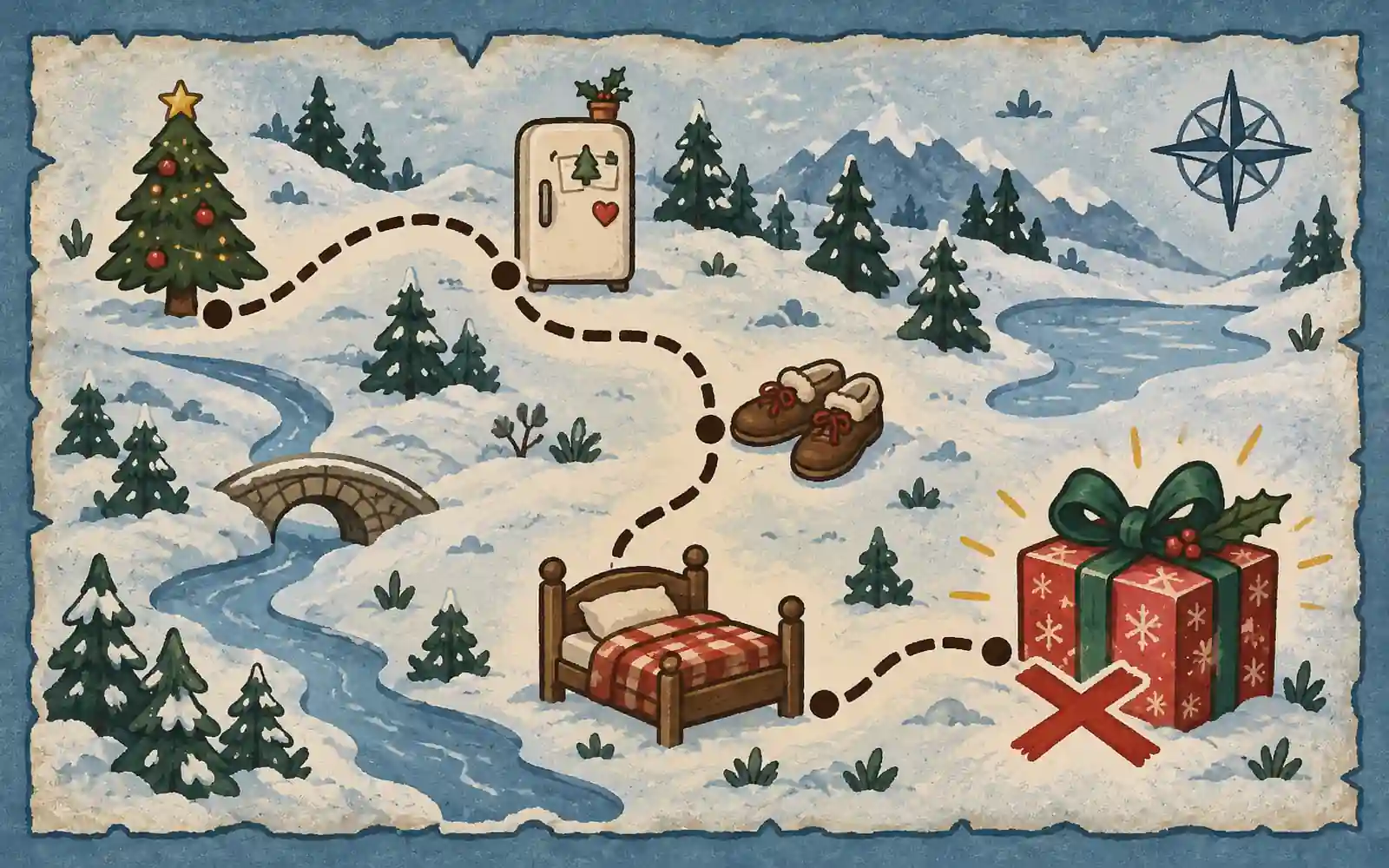 Use this template, free
Most Christmas scavenger hunts online are printable clue cards: you print them, cut them out, and hide each one where the clue before it points. This one keeps the riddles on a phone and ends with a warmer and colder search guided by you. The clues appear one at a time on a phone, the children take a photo of each thing they find, and the next clue only opens when the photo shows the right object.
How the Christmas treasure hunt works
The children play as a team on one phone. Pip the elf explains the rules in the first step: follow the riddles, take a photo of each thing you find, and keep faces out of every photo. Hands, feet and things are fine.
Every riddle points to something nearly every home has, so you do not change anything before you play. Puzzles break up the searching, so it is not all running around. The hardest puzzle comes near the end, and the question before the finish is short and easy, so the hunt finishes on a win.
At the end, the phone tells the children to say the secret words “Pip sent me” to whoever handed them the phone. That is you. Then they search the home for the present while you say “warmer” when they get closer and “colder” when they move away.
The ten steps
- A letter from Pip. Pip explains that the family will solve his riddles and help him get ready for Christmas. Your warmer and colder game starts after the phone challenges.
- Always winter inside. Something keeps food cold, even on a hot day. The answer is the fridge. Children photograph its closed door, without opening it.
- Pip’s bows. Three presents have two bows each, and the tree has one more. A picture supports the counting. The answer is 7, chosen from four options.
- Make a hand tree. Everyone except the photographer arranges their hands on a table in a Christmas tree shape. An example picture helps; a wonky tree counts. The photographer points straight down. A solo player can spread one hand.
- A wish for Pip. Everyone suggests a kind wish for the tired elf. They choose one and type it, in any language. A few words are enough, and a grown-up can type. No special word is required.
- Ready to go outside. A riddle about things your feet go inside. Shoes, boots, sandals and slippers count, photographed close up with the camera pointing down.
- Three elves, three presents. Each elf has a different red, green or gold present. Pip has gold; Holly does not have red. Holly has green. The picture shows the three colors, and two hints help with the reasoning.
- Where dreams happen. A bedtime riddle leads to an empty bed or sofa. Children photograph one corner close up, with nobody in the picture.
- Pip’s last question. Which was not one of the photo riddles: the fridge, shoes, bed or a reindeer? The answer is a reindeer.
- Time to find your present. Tap Finish Hunt, say “Pip sent me” to your grown-up, then follow warmer and colder clues to find the present.
Every puzzle and photo activity has a hint button for when the children get stuck. After the fridge, the hand tree, the wish and the bed, Pip leaves a short note, such as “Brrr! I hid in there once and got a frozen nose.”
What you prepare (about 15 minutes)
- Copy the template with the button on this page, then release it. You do not need to change a word.
- Try it yourself with the test run button in the builder, on your own phone. A test run does not use any of your free phones. Point the camera at your fridge, your shoes and a bed so you know the photos are accepted.
- Hide the present. Keep it out of bedrooms and away from every bed and sofa, because step 8 asks for a photo of one. Keep it away from the fridge and the shoes by the door too.
- Charge the phone and check it is online.
Optional: put a small sweet by the fridge and by the shoes at the door. The trail passes both, so the children find them as a surprise.
On the day
Open the play link on the phone, allow the camera, and type a team name that is a colour or an animal, not a child’s name. Then hand the phone over and say: “Pip has some Christmas challenges for you. Finish them, then I will guide the search for your present.”
Let a different child hold the phone at each step. For children under 7, an older child or a second grown-up reads each riddle aloud. If they get stuck, point at the hint button before you give your own clue. There is no winner: the whole family shares the search at the end.
Make it yours
Everything in the template can be changed in the builder before you release it. The most useful change is the last step: instead of the warmer and colder search, write where the present is hidden, for example “Look behind the curtains in the living room”. If you change one of the riddles to a different object, also change step 9, which asks which place was not on the trail.
If the adults want a hunt of their own, each adult can copy the template on their own account and change the riddles.
Questions parents ask
How many clues should a Christmas scavenger hunt have? Eight to twelve is enough for children aged 5 to 10. This one has ten steps, and four of them are photos of things in your home. Most families finish in 20 to 30 minutes, including the search for the present.
Can you do a Christmas scavenger hunt indoors? Yes. This one never leaves the home: the fridge, the shoes by the door and a bed are in nearly every flat or house.
How do I hide the present so it is not found too early? Keep it away from the places the hunt visits: the fridge, the shoes by the door, and every bed and sofa. Any cupboard, curtain or box elsewhere works.
What if my child cannot read yet? An older child or a grown-up reads each step aloud. The photo steps need no reading at all once the riddle is solved.
Do we need to install an app? No. The hunt opens in the phone’s web browser from a link. Only the person who copies the template needs an account.
How many children can play? One to six children share one phone as one team. A bigger family can add phones as extra teams. Each hunt can be played on 5 phones a month for free.